Dashboard
Category: Getting Started Section: Portal Overview Last Updated: 2024-08-22
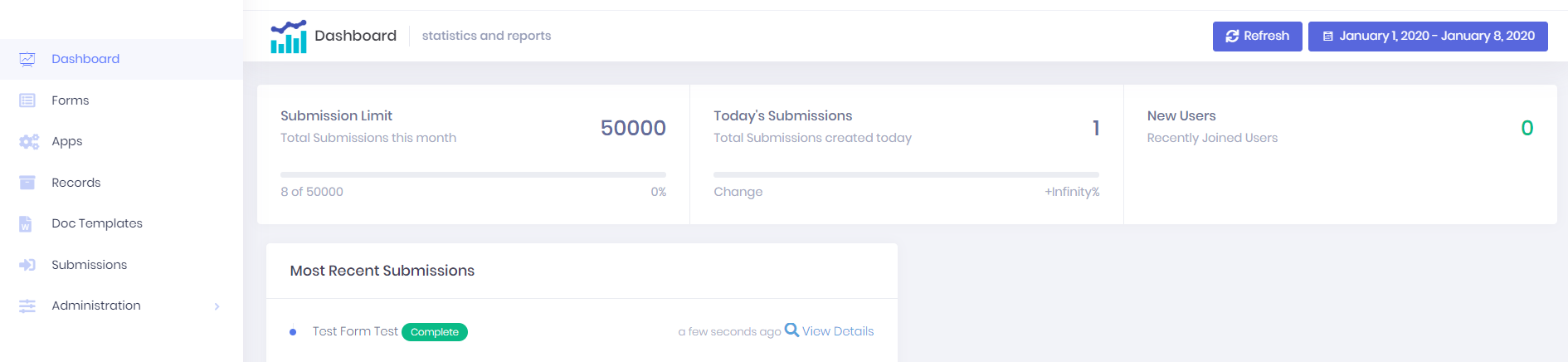
Your new Dashboard is used to show the statistics for your portal.
By default we are simply tracking the total number of submissions in the day and month, as well as the number of new users, and the most recent form submissions. We have already identified a number of other key statistics you might want to track, including income, which we are working towards implementing.
Certain users will have access to Edit Mode on the Dashboard. By toggling this on, you will be able to resize, add and remove widgets, as well as adding, renaming and removing extra dashboard pages. This all means that your dashboard can be uniquely yours!
See the product release notes and in-app help for examples of our new dashboard widgets.
Source: Dashboard