Administration: Settings
Category: Getting Started Section: Portal Overview Last Updated: 2024-08-22
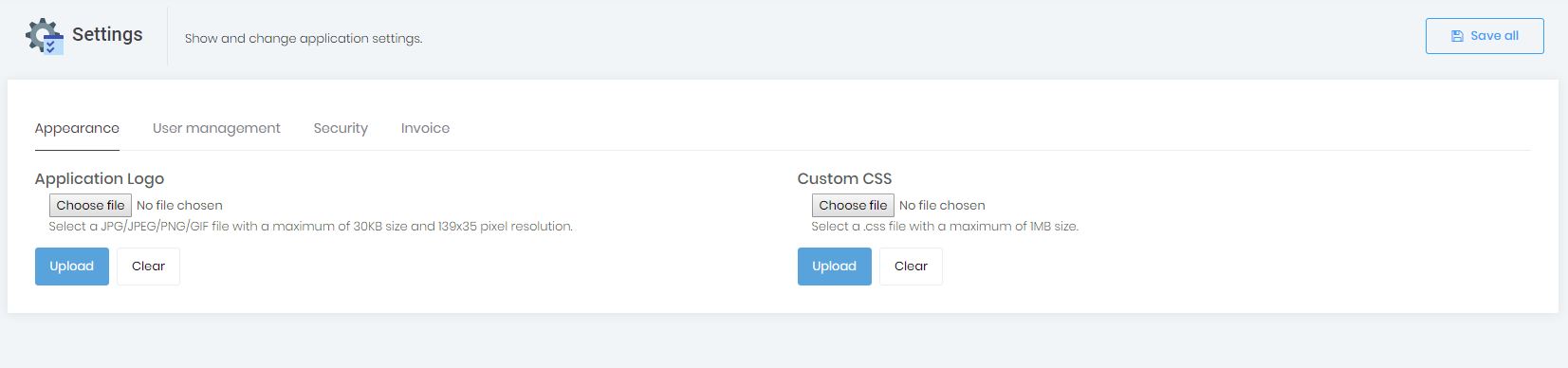
From the settings page you will be able to manage your account settings. To access settings navigate to Administration > Settings.
As an Enterprise user you will have the ability to customise your client portal, adding your own style sheets and logo, among others.
Source: Administration: Settings